[email protected]
1 / 2

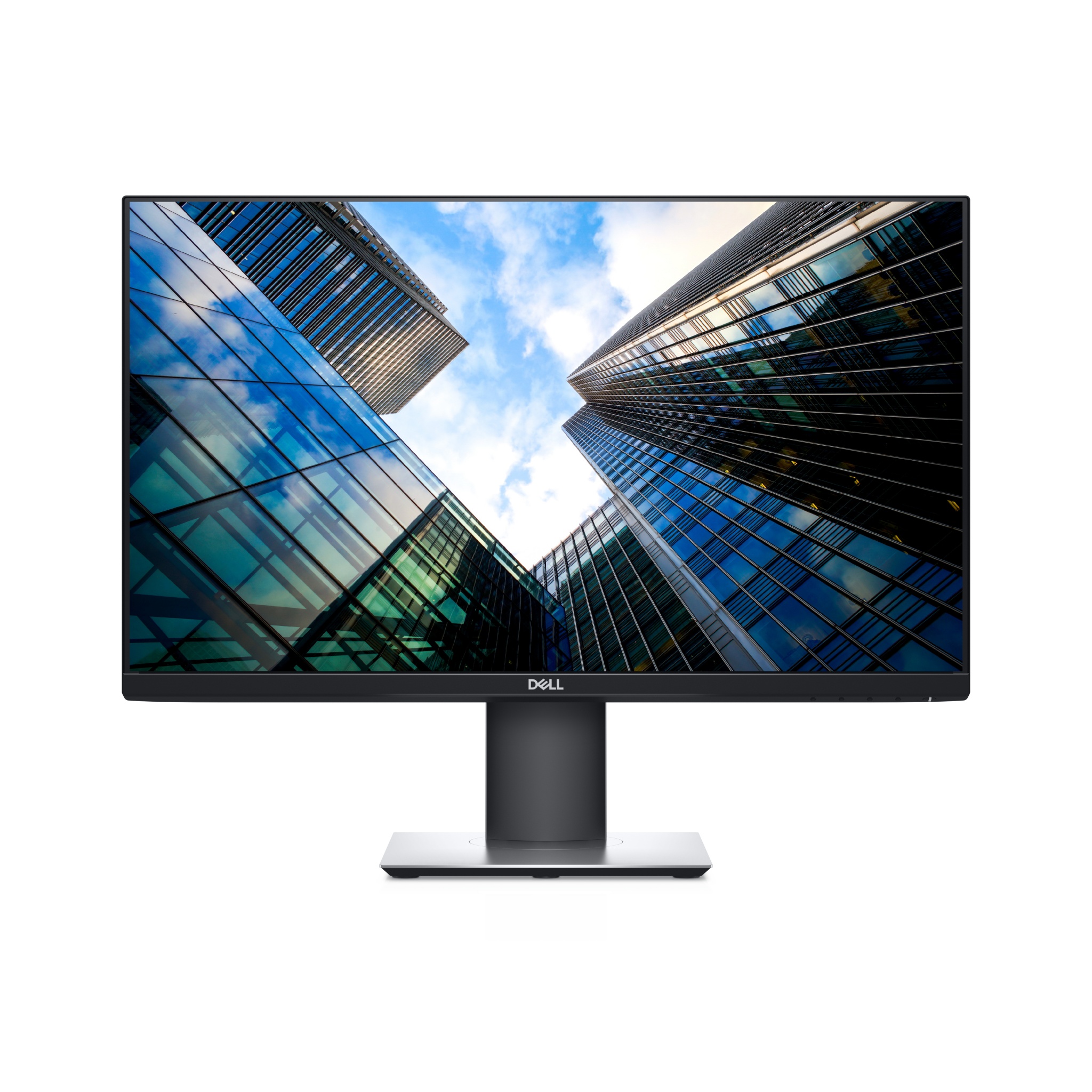
Dell P2419H 1920 x 1080 pixels Full HD LCD Monitor - 24 in

Manufactured by: Dell

Product Information

Part Number: DELL-P2419H
Item No: 260-0060
Shipping Weight: 6.5 kgs (14.3 lbs)
Actual Weight: 6.5 kgs (14.3 lbs)

Specifications

SCREEN SIZE
24 in
RESOLUTION
1920 x 1080 px
SUPPORTED RESOLUTIONS
1920 x 1080 (HD 1080)
ANTI-GLARE
Matt
REFRESH RATE
60 Hz
VIEWING ANGLE
178°
DISPLAY COLORS
16.78 million colors
BRIGHTNESS
250 cd/m²
CONTRAST RATIO
Contrast ratio (typical): 1000:1
RESPONSE TIME
8 ms
ASPECT RATIO
16:9
HORIZONTAL SCAN RANGE
30 - 83 kHz
VERTICAL SCAN RANGE
50 - 76 Hz
INPUT CONNECTORS
HDMI ports quantity: 1
DisplayPorts quantity: 1
AC INPUT VOLTAGE
100 - 240 V
AC INPUT FREQUENCY
50 - 60 Hz
COLOR
Black
DIMENSIONS
537.8 mm x 42.8 mm x 322.2 mm
PACKAGE CONTENTS
AC cable
Displayport cable
Manual

Product Description

Push your productivity
More room to work: With a thin profile and the smallest monitor base in its classi, you can free up valuable desk space.

Expand your efficiency: The three-sided ultrathin bezel design lets you enjoy an uninterrupted view of your content across multiple monitors. And, with dual monitors, you can increase your productivity by up to 18%i.

More ways to multitask: Work conveniently across multiple screens and select from predefined templates with the Easy Arrange feature on Dell Display Manager software. Quickly tile and arrange your applications and get back to work faster with Auto-restore, a feature that remembers where you left off.

Consistent and rich colors: A wide viewing angle enabled by In-Plane Switching (IPS) technology lets you see vibrant colors—no matter where you sit.

Designed to fit the way you work
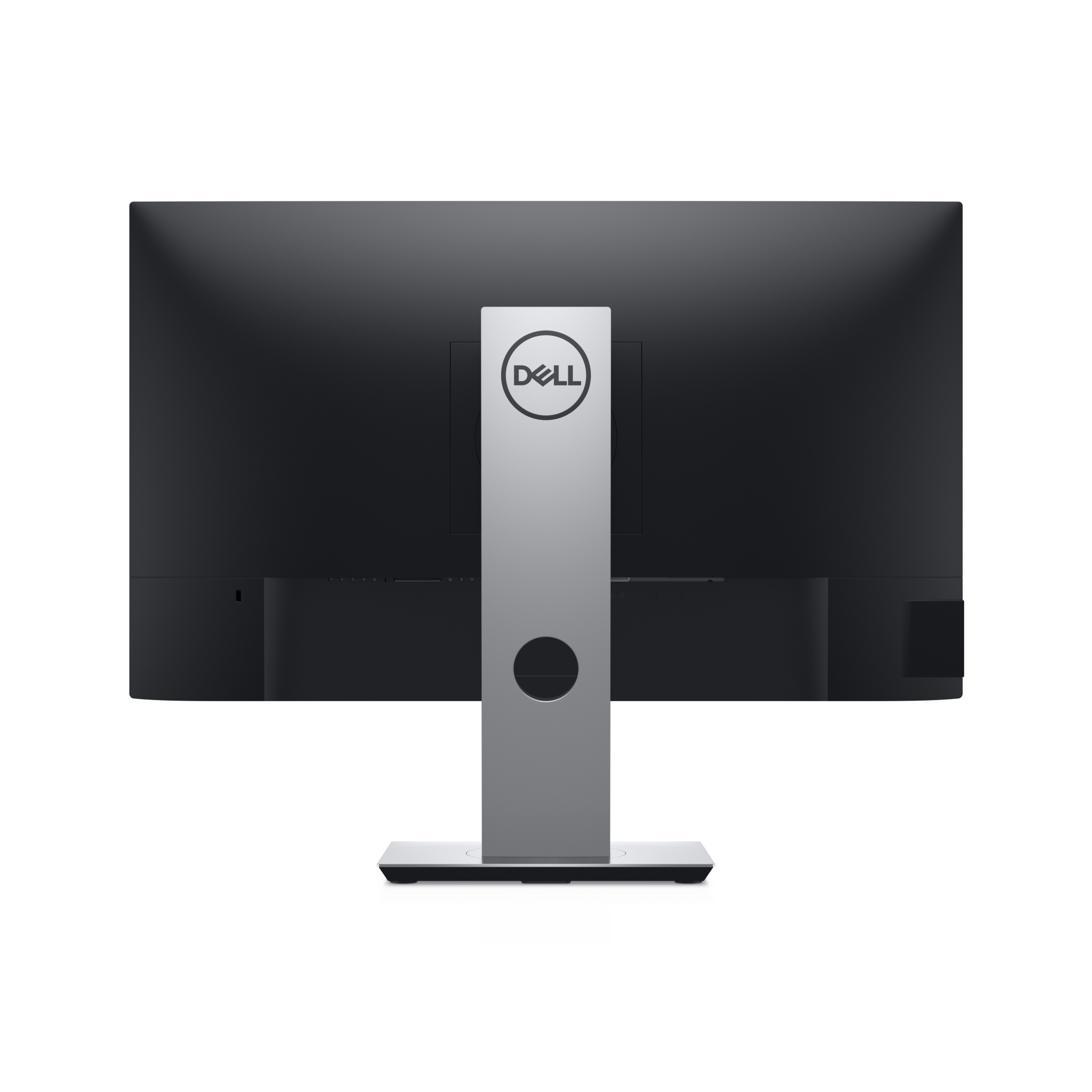
Clean and clutter-free: Focus on your work while hiding away cable clutter with an improved cable management design.

Easy on the eyes: This TUVi Certified monitor has a flicker-free screen with ComfortView, a feature that reduces harmful blue light emissions. It’s designed to optimize eye comfort even over extended viewing.

Adjust to your comfort: Pivot, tilt, swivel and adjust the height of your monitor for a comfortable setup all day long. Or choose from a variety of mounts and stands, including VESA, for even more flexibility.