



Adesso iMouse M20B Wireless RF Optical Mouse

Product Information
Specifications
Adjustable DPI switch
Auto-power feature
Receiver
Product Description
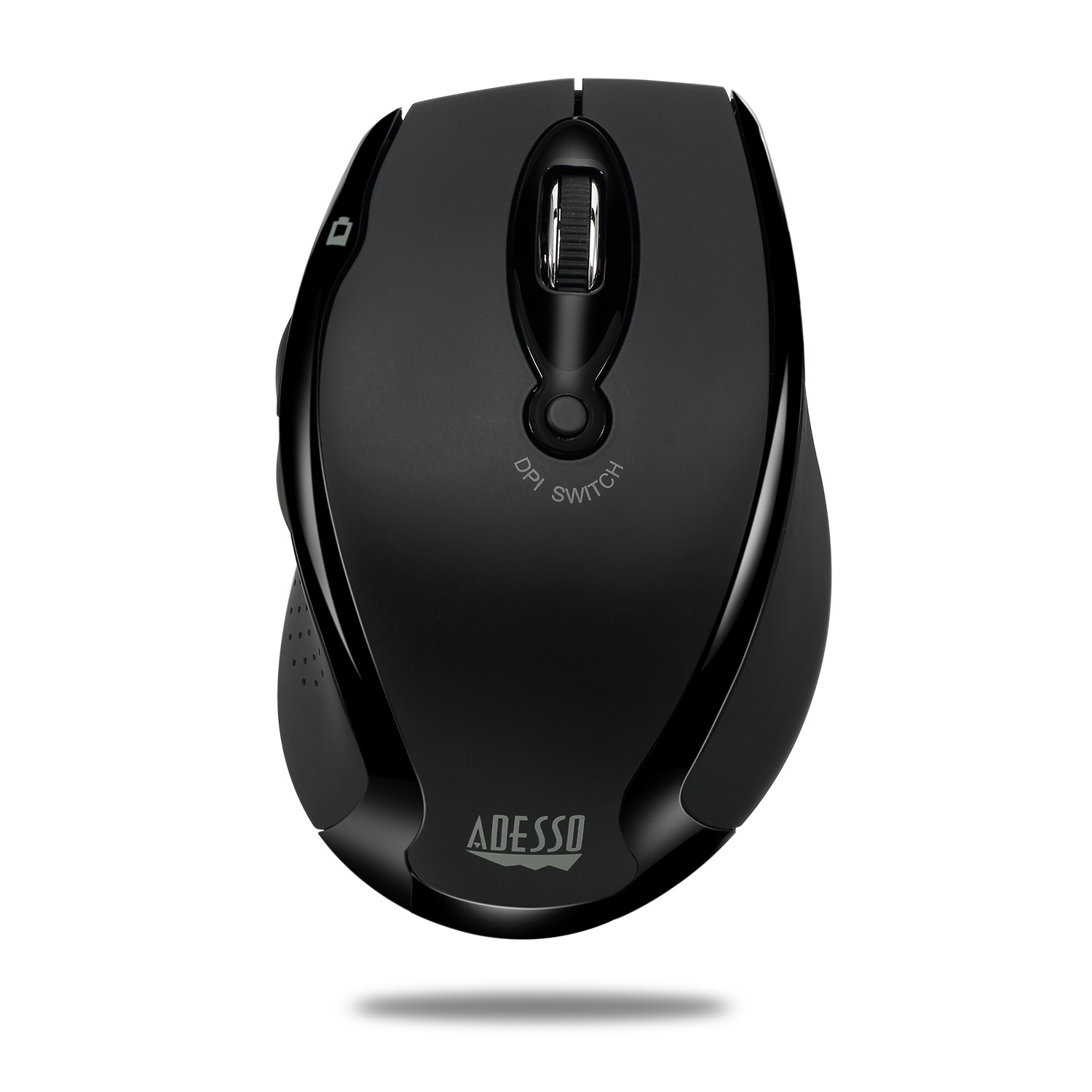
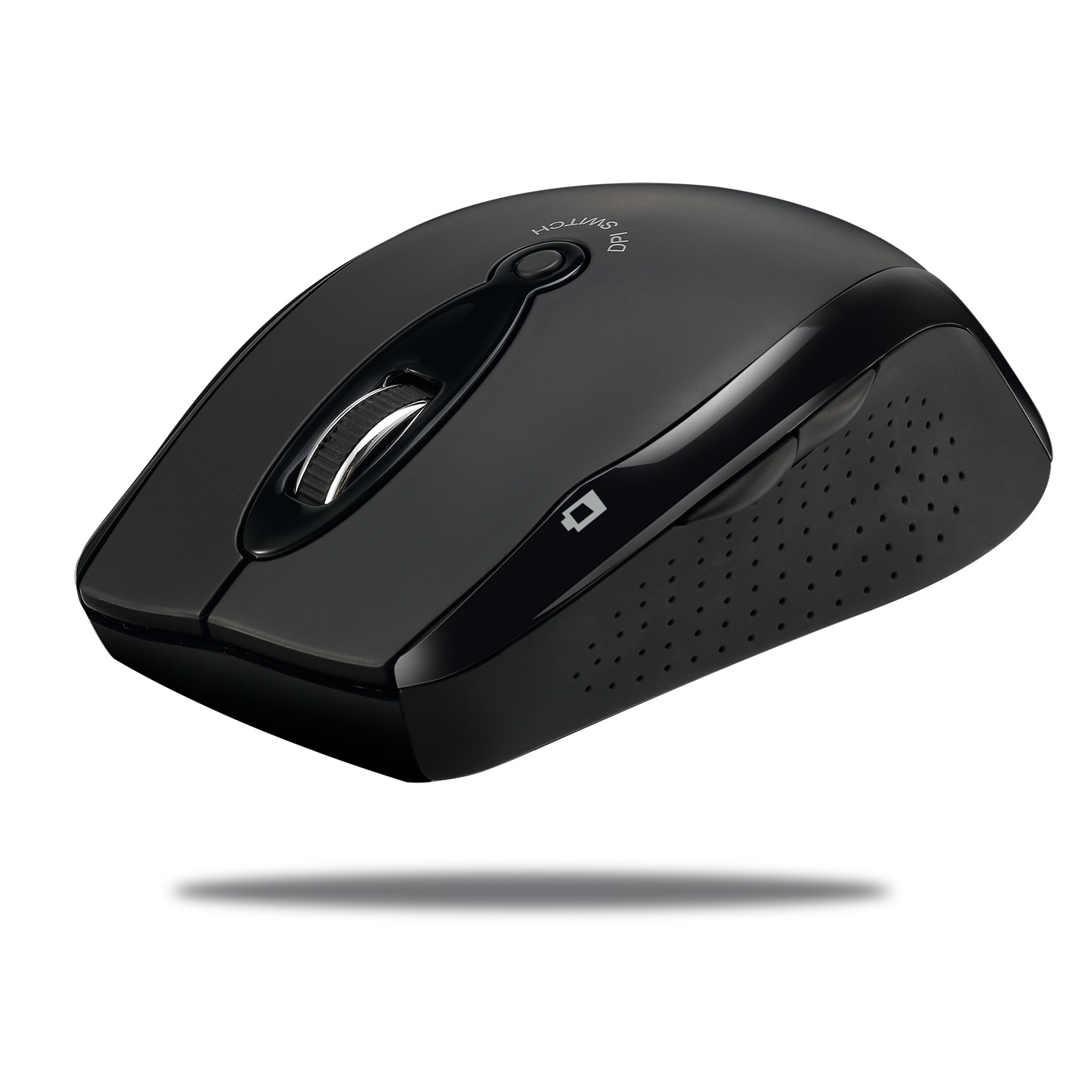
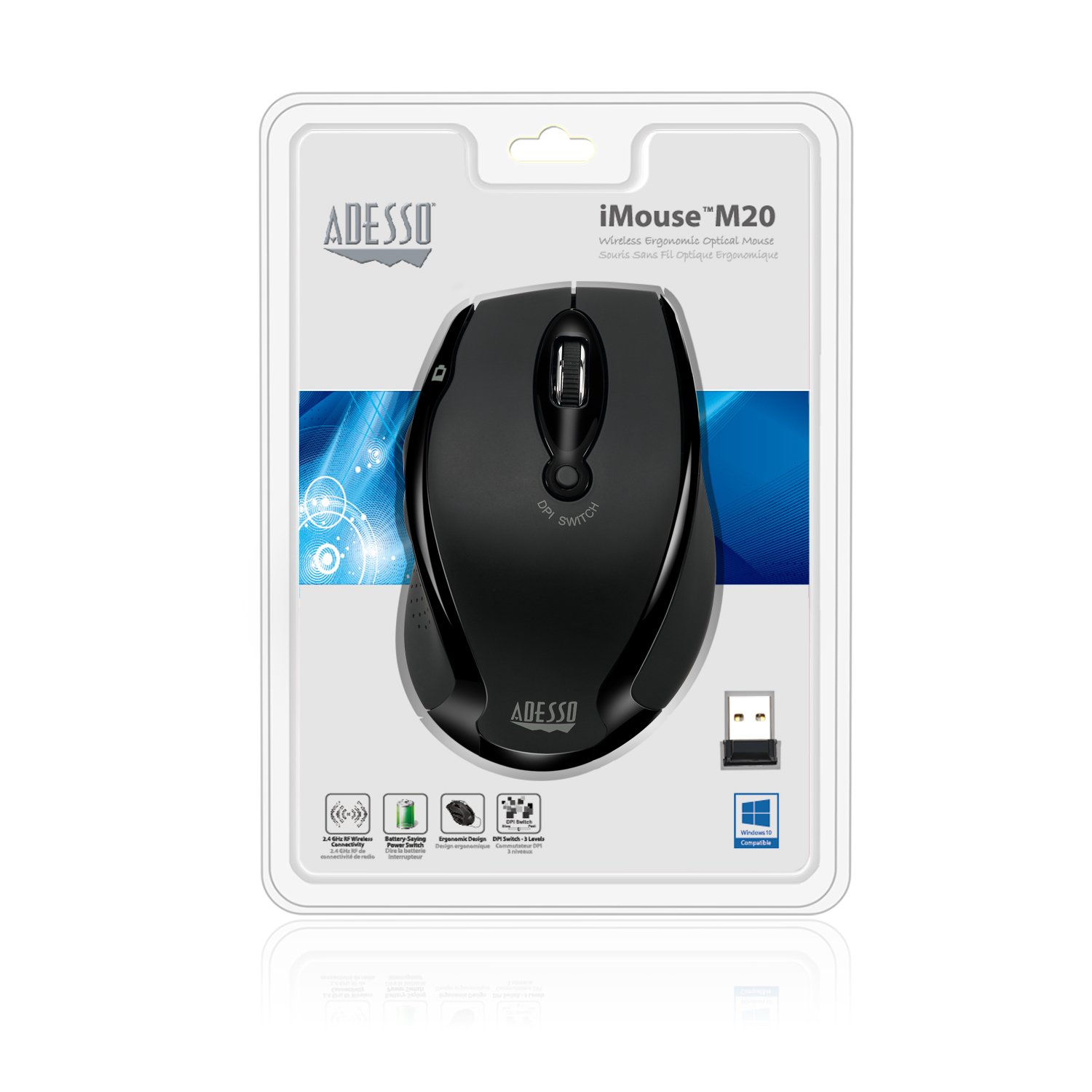
iMouse™ M20R – Experience new levels of productivity with the Adesso iMouse M20R 2.4 GHz RF Wireless Ergo Mouse. This 2.4 GHz Radio Frequency wireless mouse offers you 30 feet of wireless freedom and eliminates the constraints wired mice often cause. Its optical sensor tracking method lets you work on any surface with better speed and accuracy. In addition, the mouse includes three distinct levels of DPI resolution (800/ 1200/ 1600) for precise targeting (800 DPI), quick response (1200 DPI) or fast maneuvers (1600 DPI). Easily switch between these DPI resolutions with the DPI Switch button located on the top of mouse. All these features, along with its ergonomic design, provide great control, response and comfort with minimal hand movement.
2.4 GHz Radio Frequency Wireless Technology
With 2.4 GHz RF wireless technology you can enjoy working at any angle and at a distance of up to 30 feet.
Adjustable DPI Switch
Quickly and easily adjust DPI resolution (800/ 1200/ 1600) for a faster response with the convenient DPI Switch located at the top of your mouse.
Ergonomic Design
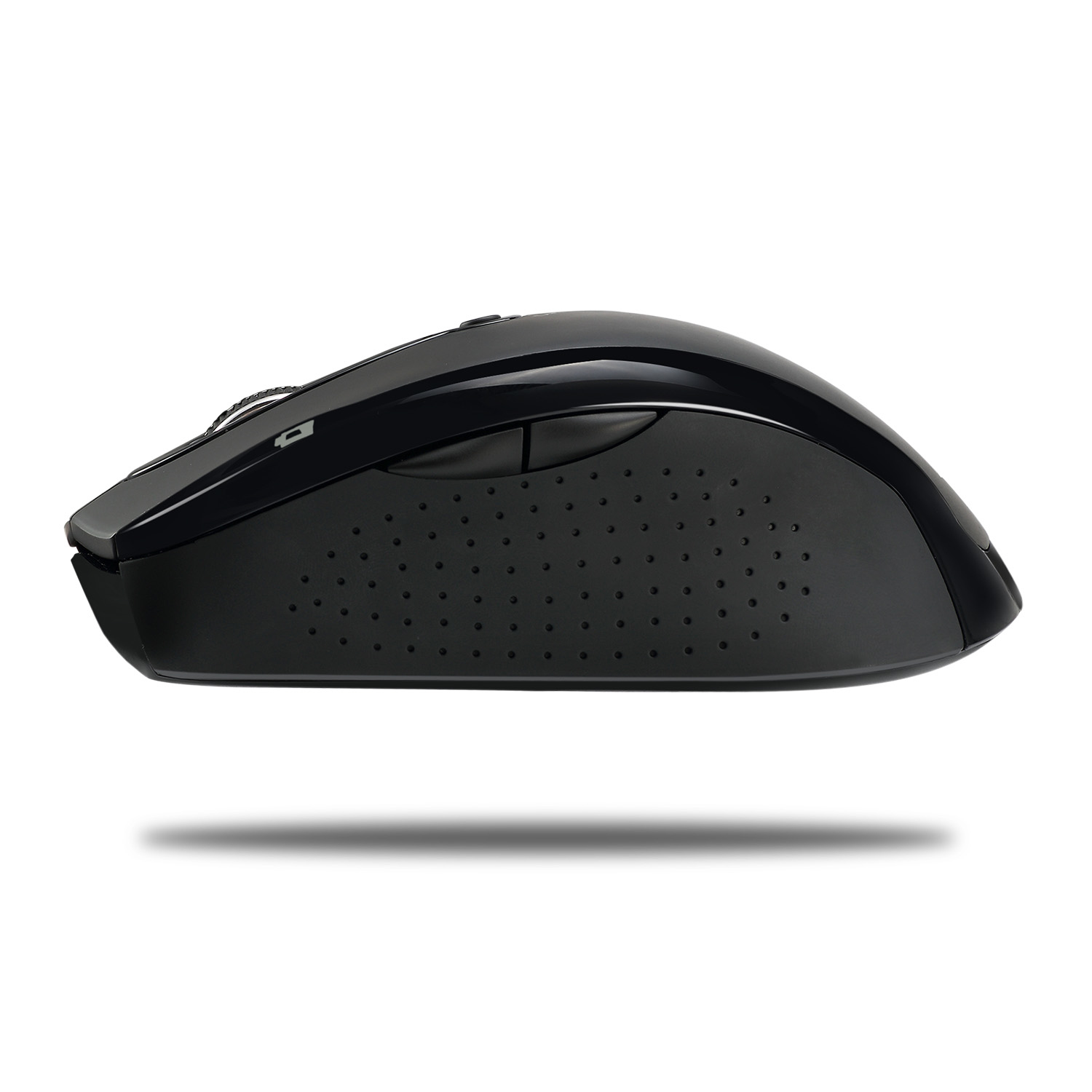
The iMouse M20R ergonomic design provides a comfortable grip and eliminates hand strain, while giving great cursor control.
Battery-Saving
Use the battery-saving on/off power switch on mouse base to extend battery life and reduce the need to change batteries.
Internet Navigational Buttons
Two Internet navigational buttons, back and forward, are conveniently located on the left side of mouse to provide you with Internet browser control with minimal hand movement.